Audio · PIMP MY TRACK

Analog Master

Review of mastering with analogue processing.

Talk to the studio
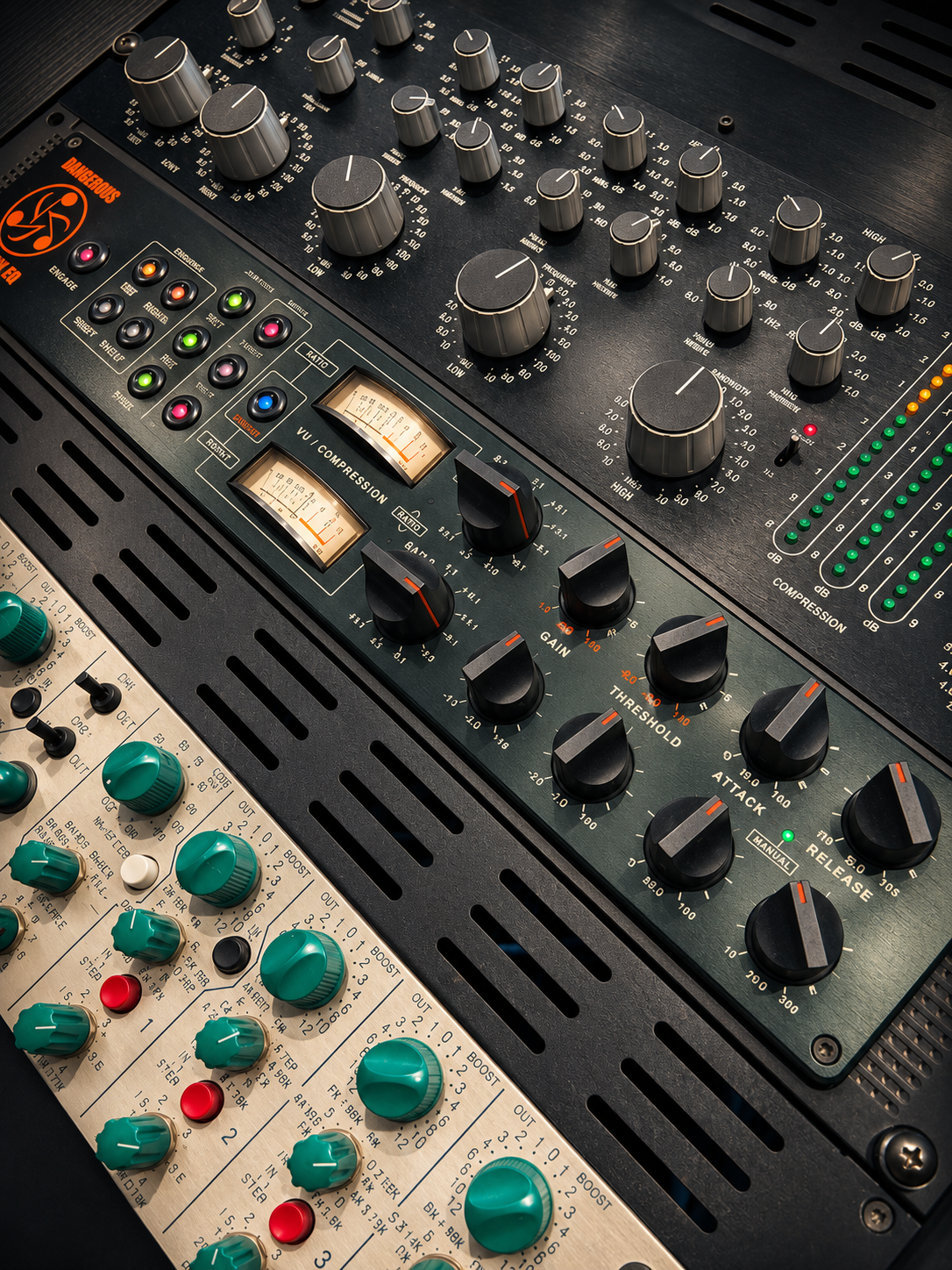
Studio analog rack

How it works

Mastering from your final two-channel stereo mix, considering the material and the release destination.

Tone, dynamics, translation between playback systems and level are reviewed according to the release destination. The starting point is the final mix, including its creative decisions.

The project may include analogue processing when appropriate for the material. The process and its availability are confirmed during review.

Starting material

A final 2-channel stereo file, references and information about the release destination. Technical submission instructions are agreed after review.

Delivery format

Standard delivery: stereo WAV, 24-bit / 44.1 kHz. Input sample rate is agreed separately; advance conversion to the delivery rate is not required. Other formats and requirements are agreed for each project.

Versions and revisions are defined for each project.

Next steps

  1. Introduce the project by email and share a listening link when agreed.
  2. Pimpo Gama reviews the material and agrees the scope, terms, deliverables and quote.
  3. After approval, full file delivery, availability and the start of work are arranged.
Tell us about your project

Frequently asked questions

File preparation, Dolby Atmos, revisions and delivery. Find guidance for your current stage of the project.

View all questions

File preparation

How should I prepare a stereo premaster?

Export the approved mix as a 24-bit or 32-bit WAV at the original session sample rate, at least 44.1 kHz. Leave around 3 dB of headroom and disable dither. The file should have no clipping or unintended distortion. If a limiter is only there to demonstrate loudness, also send an unlimited premaster and label the processed version as your rough.

Should I convert my files to 48, 96 or 192 kHz?

Increasing the sample rate cannot recover information missing from the original file. For stereo mastering, keep the session sample rate. For Dolby Atmos, confirm the export settings with the studio: we request tracks or groups at 48 kHz for this workflow.

Which mastering sound is best for my project?

Start with your references and how you plan to release the track. Choose Digital Master or Analog Master if you have a sound in mind. Select Vinyl Master if the track is going to press. With Engineer's choice, the studio chooses an approach based on the track and your references. All four options have the same price within the Stereo Master order.

Revisions and delivery

How do I request changes to my master?

Open the track in Listen in your Client Area and compare the versions. Mark passages that need changes, add notes and gather your comments before submitting a revision request. Included rounds and any additional charges follow your order’s agreed scope.

Can I include a Radio Edit or other versions?

List the versions in your order and clearly label each file. For mastering, an included edit must preserve the same mix and allow the same processing as the main version. A different mix or additional editing work may require an add-on. The scope is confirmed before work starts.

Which format will I receive for my stereo master?

The standard delivery is a stereo WAV at 24-bit / 44.1 kHz. Other sample rates, bit depths or versions are agreed in the order according to the release destination. Atmos and vinyl preparation have separate requirements confirmed during project review.