Audio · PIMP MY TRACK

Stem Master

To finish a track from separate groups of the mix.

Start your order
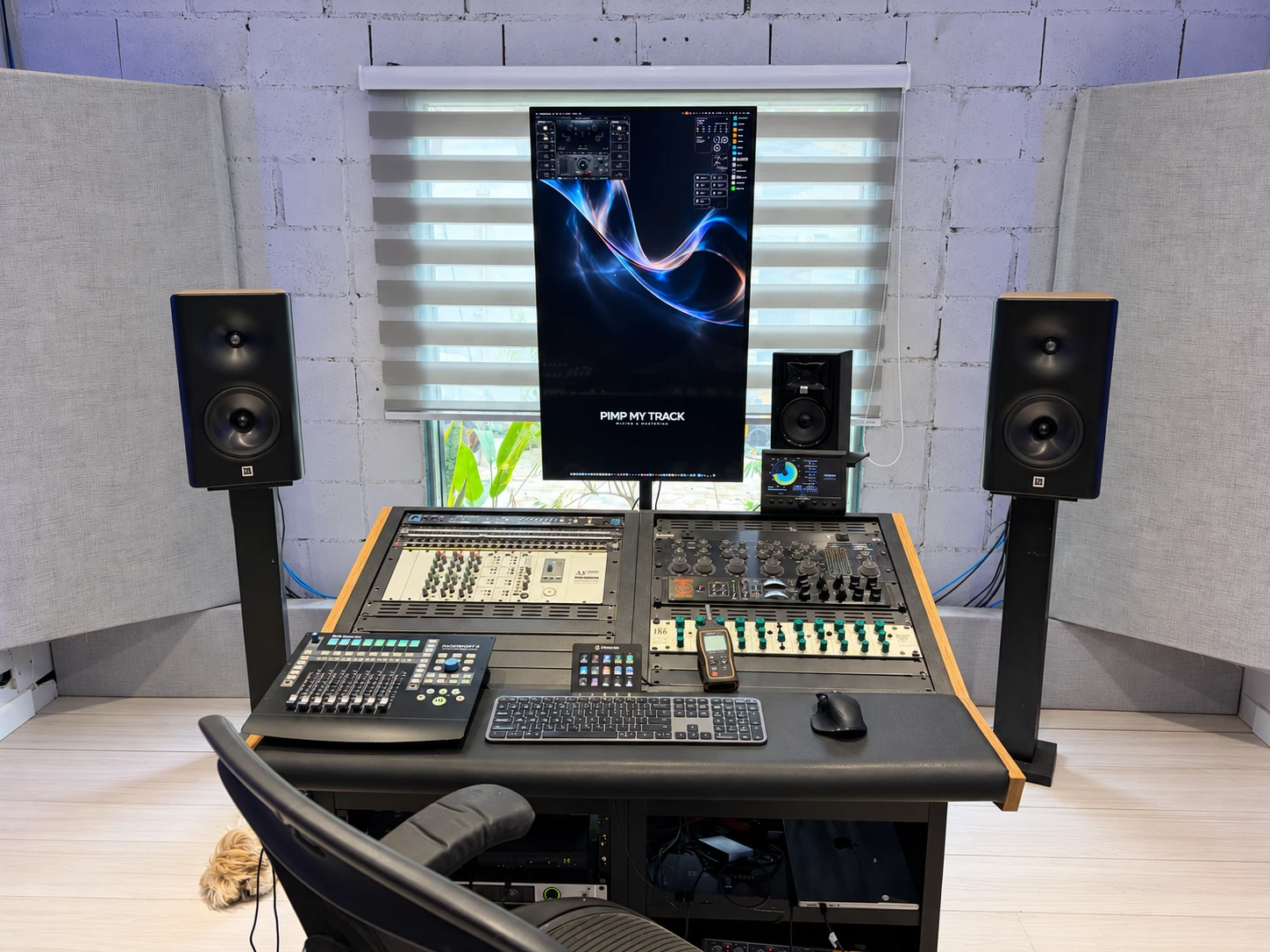
Studio workstation and monitors

How it works

Stems are groups from the mix, rather than necessarily individual instruments. The process allows tonal balance, dynamics and relationships between those groups to be adjusted before finalising the master.

An instrument inside a group cannot be treated independently without separate material.

Starting material

Time-aligned groups and a rough / premix of the complete track. Group examples include kick, drums, bass, vocals, instruments and FX. The grouping and number of groups are agreed for each project.

Delivery format

Standard delivery: stereo WAV, 24-bit / 44.1 kHz. Input sample rate is agreed separately; advance conversion to the delivery rate is not required. Other formats and requirements are agreed for each project.

Versions and revisions are defined for each project.

Next steps

  1. Introduce the project by email and share a listening link when agreed.
  2. Pimpo Gama reviews the material and agrees the scope, terms, deliverables and quote.
  3. After approval, full file delivery, availability and the start of work are arranged.
Tell us about your project

Frequently asked questions

File preparation, Dolby Atmos, revisions and delivery. Find guidance for your current stage of the project.

View all questions

File preparation

What is the difference between multitracks and stems?

Multitracks are the individual session tracks. Stems are groups such as drums, bass, synths and vocals. For Mix + Master, send individual tracks or the session agreed with the studio. For Stem Master, send up to eight aligned groups with the same start and duration, preserving your mix balance.

Should I convert my files to 48, 96 or 192 kHz?

Increasing the sample rate cannot recover information missing from the original file. For stereo mastering, keep the session sample rate. For Dolby Atmos, confirm the export settings with the studio: we request tracks or groups at 48 kHz for this workflow.

Revisions and delivery

How do I request changes to my master?

Open the track in Listen in your Client Area and compare the versions. Mark passages that need changes, add notes and gather your comments before submitting a revision request. Included rounds and any additional charges follow your order’s agreed scope.

Can I include a Radio Edit or other versions?

List the versions in your order and clearly label each file. For mastering, an included edit must preserve the same mix and allow the same processing as the main version. A different mix or additional editing work may require an add-on. The scope is confirmed before work starts.

Which format will I receive for my stereo master?

The standard delivery is a stereo WAV at 24-bit / 44.1 kHz. Other sample rates, bit depths or versions are agreed in the order according to the release destination. Atmos and vinyl preparation have separate requirements confirmed during project review.